It is a good idea to clear browsing history periodically. Please follow these steps to clear the browsing history
STEP 1: Open google chrome and press CTRL + H
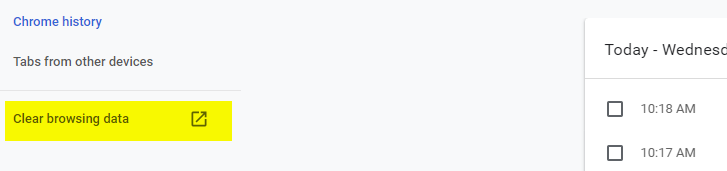
STEP 2: Click on "Clear Browsing Data"
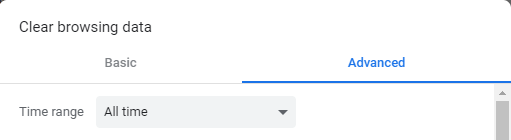
STEP 3: Click on "Advanced" Tab and Select "All Time" from Drop Down.
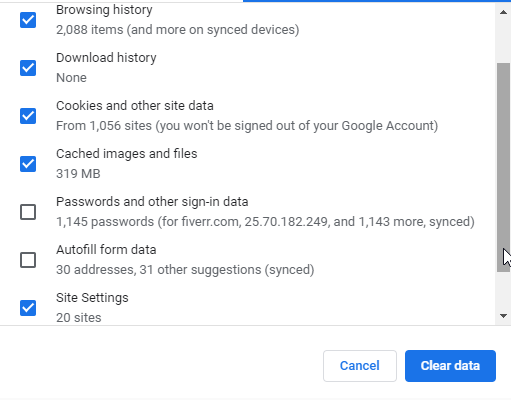
STEP 4: Select All options except "Passwords and other sign-in data" and "Autofill form data" and click on "Clear Data" button